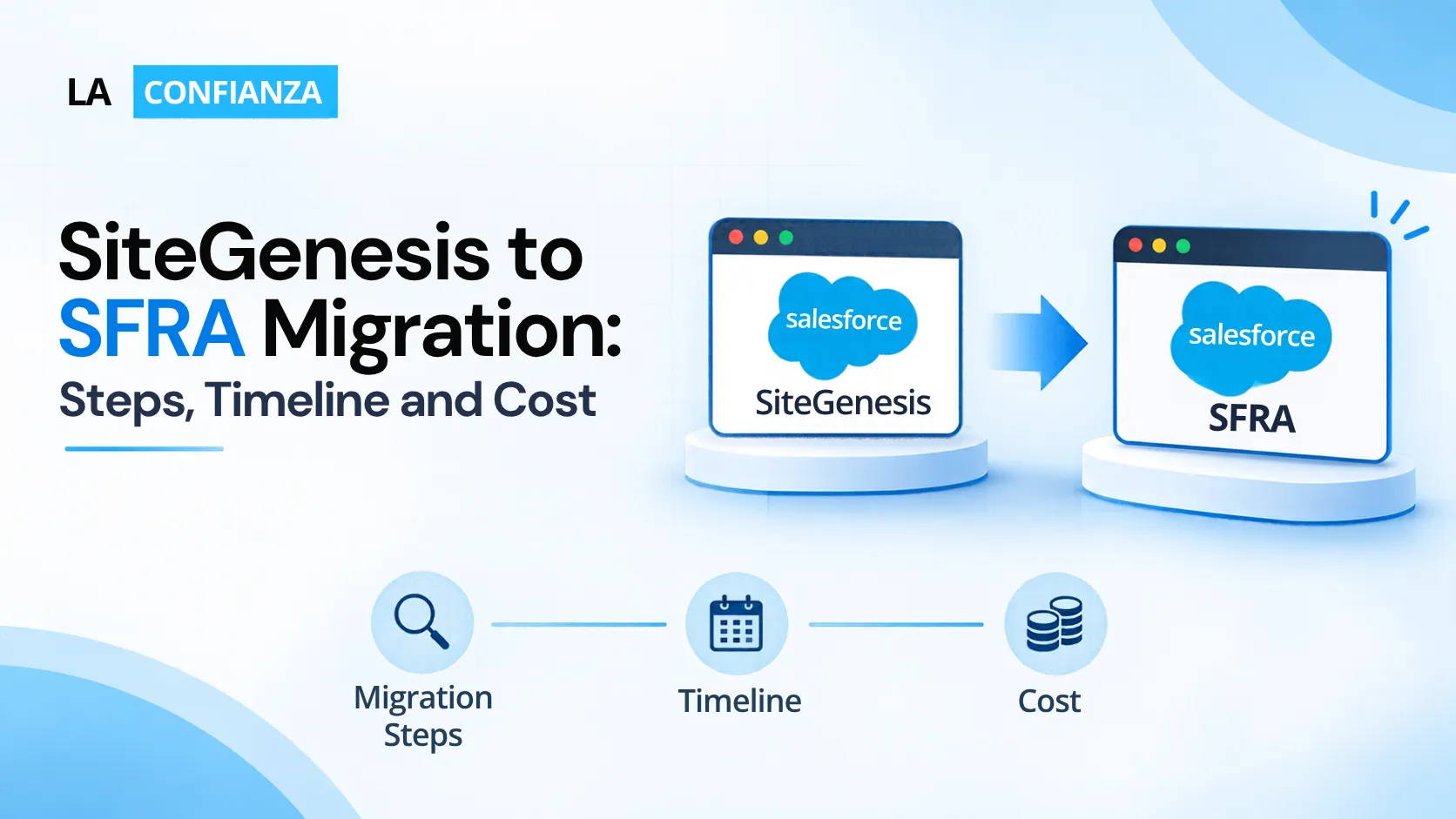
If your storefront still runs on SiteGenesis, you are running on the original Demandware-era framework. It works, but it is no longer where Salesforce is investing. The question for most teams is not whether to move, but where to, how long it will take, and what it will cost.
This guide explains what a SiteGenesis to SFRA migration involves, what drives timeline and cost, and how to decide whether SFRA is the right target or whether you should look at headless.
What is changing: SiteGenesis vs SFRA
SiteGenesis was the original storefront framework for the platform. Salesforce introduced Storefront Reference Architecture (SFRA) in 2018 as its successor, with a modular, mobile-first foundation. Salesforce said at launch that SiteGenesis would continue to receive security and high-priority fixes, and the wider market understanding is that active feature development has moved to newer architectures.
That matters because it shapes your risk. A SiteGenesis storefront keeps running, but you carry a growing gap in tooling, marketplace compatibility, available skills, and access to newer platform capabilities.
Importantly, this is not an in-place upgrade. Moving to SFRA means re-implementing your storefront code, templates, and customisations on the SFRA model.
SFRA or headless: decide the target first
Since 2021 Salesforce has also offered a headless option, the Composable Storefront built on PWA Kit and Managed Runtime, with newer options such as Storefront Next since. So the first decision is the destination.
SFRA tends to fit when:
- You want a proven, templated storefront and a faster path off SiteGenesis
- Your team has JavaScript and ISML skills
- Your marketplace cartridges and integrations are SFRA-ready
- You do not need a highly custom front end
A headless approach tends to fit when:
- You need a highly custom, app-like front end
- You have, or can hire, React skills
- You plan to serve several channels from one commerce backend
- You are prepared for a larger front-end programme
Some teams move to SFRA first and revisit headless later. Others go directly to headless to avoid migrating twice. Neither is universally right.
Implementation insight: Decide your target architecture before you scope, and write the reasoning down. A scope that quietly assumes SFRA but a roadmap that expects headless in two years means paying for two migrations.
The migration steps
Most SiteGenesis to SFRA migrations move through seven stages.
1. Audit your current storefront
Document every customisation, cartridge, integration, and content dependency. Include third-party marketplace cartridges and their versions, payment and tax connections, and any custom jobs and feeds.
2. Define scope and target
Decide which features you will keep, rebuild, or retire. This is also the moment to choose SFRA or headless.
3. Plan the architecture
Design your cartridge structure, separate customisations from base code, and agree on how to handle shared logic across sites and locales.
4. Rebuild customisations and integrations
Re-implement storefront features on the SFRA model, and replace or update marketplace cartridges that are not SFRA-compatible. Rebuild integrations with ERP, OMS, payments, search, and tax.
5. Protect SEO and data
Map every URL, plan redirects, carry over metadata, and confirm how catalog, content, and customer data will move. Treat SEO as a launch requirement, not an afterthought. Our Commerce Cloud migration checklist covers this in more detail.
6. Test thoroughly
Test the full revenue path: browse, search, promotions, checkout, payments, and order handoff. Add regression testing against your current site, performance testing, and load testing for peak periods.
7. Launch and stabilise
Plan the cutover around your trading calendar, freeze changes, prepare rollback, and keep a hypercare period after go-live to catch issues early. See common SFCC migration mistakes for what to avoid.
Rollout tip: Avoid launching into peak trading. A migration that goes live a few weeks before your busiest period leaves no room to fix what real traffic reveals.
Timeline: what it depends on
There is no honest single figure for how long a SiteGenesis to SFRA migration takes, because the scope varies so widely. As a general guide, programmes are measured in months rather than weeks, with the build and testing stages taking the largest share.
The main factors that stretch or shorten a timeline:
- Volume of custom code. The more bespoke features and cartridges, the longer the rebuild.
- Number of integrations. Each connected system adds build and test effort.
- Sites, locales, and brands. Multi-site setups multiply configuration and testing.
- Design changes. Combining a migration with a redesign extends the programme.
- Marketplace cartridge readiness. Cartridges that are not SFRA-compatible need replacement or rework.
- Team availability. Content, merchandising, and QA time on your side often paces the project.
- Trading calendar. Freeze periods and peak seasons constrain launch dates.
For a broader view of phasing, see our guide to the SFCC deployment timeline.
Cost: what drives the investment
For the same reason, any figure quoted before an audit is a guess. Cost follows scope, and the biggest drivers are:
- Customisation depth. Rebuilding custom features is usually the largest cost line.
- Integrations. Replacing or retesting ERP, OMS, payment, and tax connections.
- Third-party cartridges. Licences, updates, or replacements for marketplace components.
- Scope of change. A like-for-like move costs differently from a migration paired with design or UX improvements.
- Testing and QA. Regression, performance, and load testing need real effort.
- Data and SEO work. Migration of catalog, content, and redirects.
- Parallel running and hypercare. Running old and new in parallel, plus post-launch support.
- Governance and training. Project management, documentation, and enabling your team.
When you compare estimates, ask each partner for the assumptions behind the number: how many customisations, integrations, and sites it assumes, and what is excluded. Differences in assumptions explain most differences in price.
Implementation insight: The cheapest estimate is often the one that assumes the least. Ask what happens to cost if the audit finds more customisations than expected.
How to get an estimate you can rely on
A trustworthy estimate usually comes after a short discovery phase:
- Audit the current storefront and its dependencies.
- Choose the target architecture, SFRA or headless.
- Define scope, including what you will retire.
- Agree testing and launch requirements.
- Price from those assumptions, and revisit them as discovery completes.
Frequently Asked Questions
Is SiteGenesis still supported?
Salesforce has said SiteGenesis continues to receive security and high-priority fixes, but active development has moved to newer architectures. Confirm current support terms with Salesforce, as they can change.
Is SiteGenesis to SFRA an upgrade or a rebuild?
In practice it is closer to a rebuild of the storefront layer. Your catalog, data, and business configuration carry over, but custom code and templates are re-implemented on the SFRA model.
How long does a SiteGenesis to SFRA migration take?
It depends on customisations, integrations, sites, and whether you are changing the design. Most programmes are measured in months, and a discovery phase gives you a realistic estimate.
How much does SiteGenesis to SFRA migration cost?
It varies with scope. Customisation depth, integrations, and testing are the biggest drivers. Treat any price without stated assumptions with caution.
Should I migrate to SFRA or go headless?
It depends on your front-end requirements, team skills, and roadmap. Decide the target architecture before scoping, so you avoid migrating twice.
Will migration affect my SEO?
It can if URLs, redirects, and metadata are not handled carefully. Plan SEO preservation from the start and monitor rankings and traffic after launch.
Planning a SiteGenesis migration?
Whether the right target is SFRA or a headless approach, the best starting point is an audit of what you have today. La Confianza Technologies helps organisations assess their storefront, define the target architecture, and deliver Commerce Cloud migrations with the scope and assumptions clearly stated.
Talk to our Commerce Cloud team →